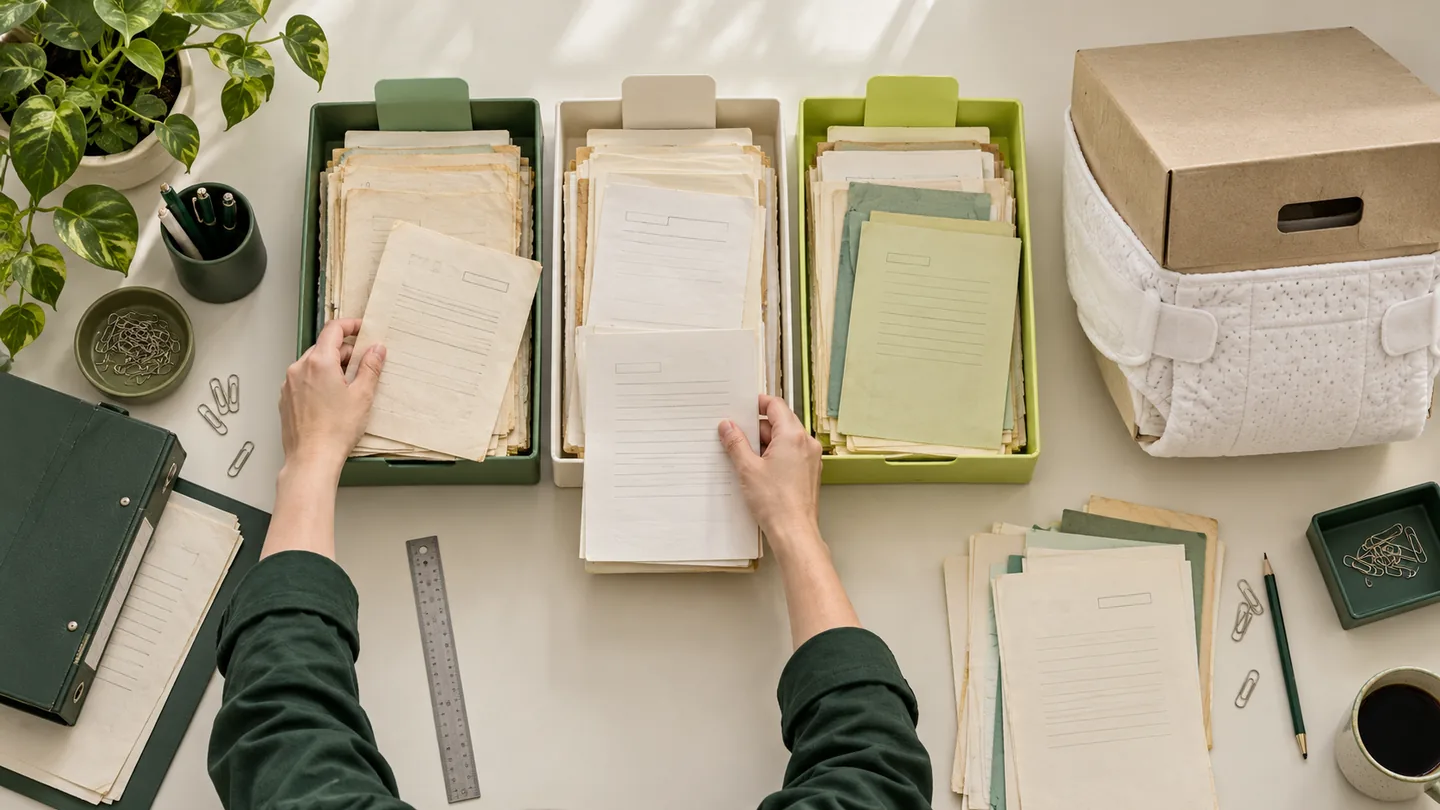
What a practical fit looks like.
- 01Scattered files
- 02Classify and assign access
- 03A usable information base
An illustrative workflow. Implementation scope and acceptance criteria depend on your environment.
Start by building a document inventory.
Record each document's name, storage location, person responsible, update date, confidentiality classification, permitted readers, and retention and deletion conditions. Include links to the original materials and distinguish duplicate copies from originals. Also confirm who has the authority to approve their use.
Organize versions and permissions together.
Even perfectly retrieved outdated policies cannot support current business decisions. We assign responsibility for updates, define effective dates, and create procedures to reflect replacements, deletions, and permission changes in search results. We consider controlling the searchable documents themselves, rather than relying solely on asking AI not to show information after retrieval.
Check extracted content against the originals.
PDF text extraction and OCR can miss digits, signs, table columns, and notes. We select representative documents and compare the results against the originals. Extracted text is linked to the original pages so an answer’s supporting evidence can be traced back to its source.
Keep the first deliverable small.
For example, start with a scope such as letting authorized employees find their department’s procedures with source references. We prepare a document inventory, representative questions, expected supporting evidence, and a process for unanswered questions, then have the people who do the work review them.
Sample ledger entries (hypothetical examples)
These are hypothetical examples to show how to fill in the ledger; they do not refer to real documents or companies.
- Example 1: Document = travel expense policy (hypothetical) / Location = General Affairs shared folder / Owner = General Affairs / Updated = 2026-04-01 / Class = internal only / Readers = all employees / Handling = latest version only; older versions excluded
- Example 2: Document = copy of a supplier contract (hypothetical) / Location = Legal archive / Owner = Legal / Updated = per contract / Class = restricted / Readers = Legal and the responsible executive / Handling = out of scope this time; revisit after access rights are organized
- Example 3: Document = inquiry handling manual (hypothetical) / Location = Support department folder / Owner = Support lead / Updated = 2026-09-15 / Class = internal only / Readers = support staff / Handling = in scope; show the original page as the source
Criteria for what goes into the ledger
A document is included when (1) it has an owner responsible for updates, (2) a single latest version is clear, (3) the permitted readers are decided, and (4) you can return to the original. If any is missing, organize it first or leave it out this time. Documents containing personal or contract information stay out until access rights are confirmed.
Criteria for checking the result
Once the ledger exists, check the following. Are any fields empty? Are copies distinguished from originals? Prepare about ten representative questions: can you trace the source document and location for each answer from the ledger? Are documents that must not be shown to some people mixed into the search scope? If any question cannot be traced, organize that document first.
A checklist before we talk.
- The work in scope and the owners of the source materials are defined
- The locations of the latest versions and originals are known
- The permitted scope of access and external transmission is defined
- Responsibility and procedures for updates and deletion are defined
- Empty ledger fields are filled and links to originals are added
Primary sources consulted
Reviewed on October 29, 2026. This is a practical guide compiled by LLL. The references do not establish our certification or compliance, or the security of any particular configuration.
See the price range and what is included
Talk to us about organizing documents