

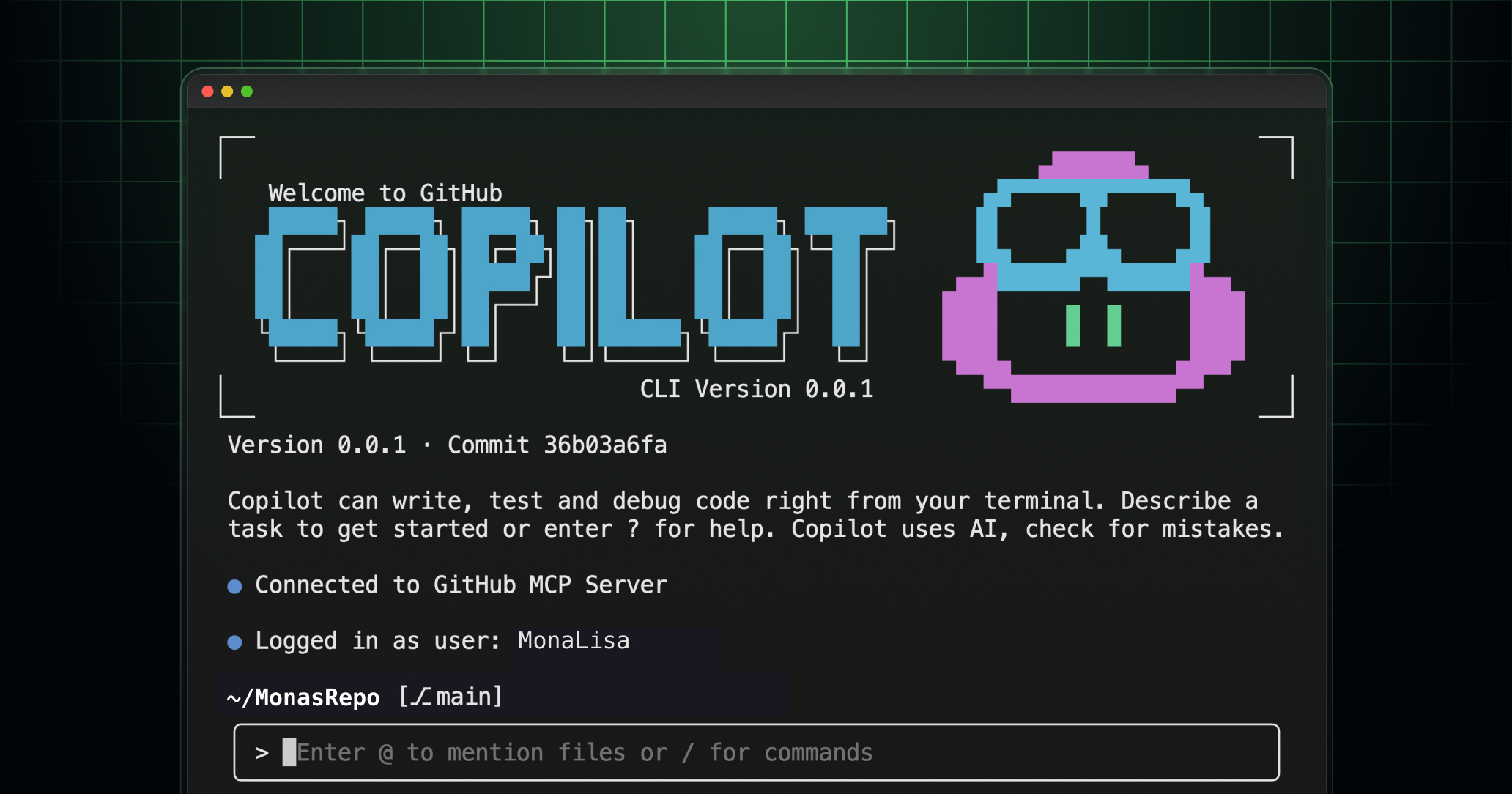
Holy shell commands, Batman! If you thought GitHub Copilot was impressive in your IDE, wait until you see what happens when they unleash it directly into your terminal. GitHub just dropped Copilot CLI into public preview, and I’m practically vibrating with excitement about this game-changer.
As someone who lives and breathes in the terminal (seriously, my shell history is basically my autobiography), this feels like Christmas morning, my birthday, and that time I discovered fzf all rolled into one glorious moment.
What Makes This Different from “Just Another AI Tool”?
Let me paint you a picture. You know that feeling when you’re deep in a debugging session at 2 AM, switching between your editor, browser, terminal, and seventeen different Stack Overflow tabs? That context-switching nightmare is officially over.
GitHub Copilot CLI isn’t just ChatGPT with a terminal skin. This is the same agentic architecture that powers Copilot’s coding agent, but it lives directly in your command line. No more copying and pasting. No more “let me switch to my browser to ask the AI about this error.” It’s right there, in your flow, understanding your project context.
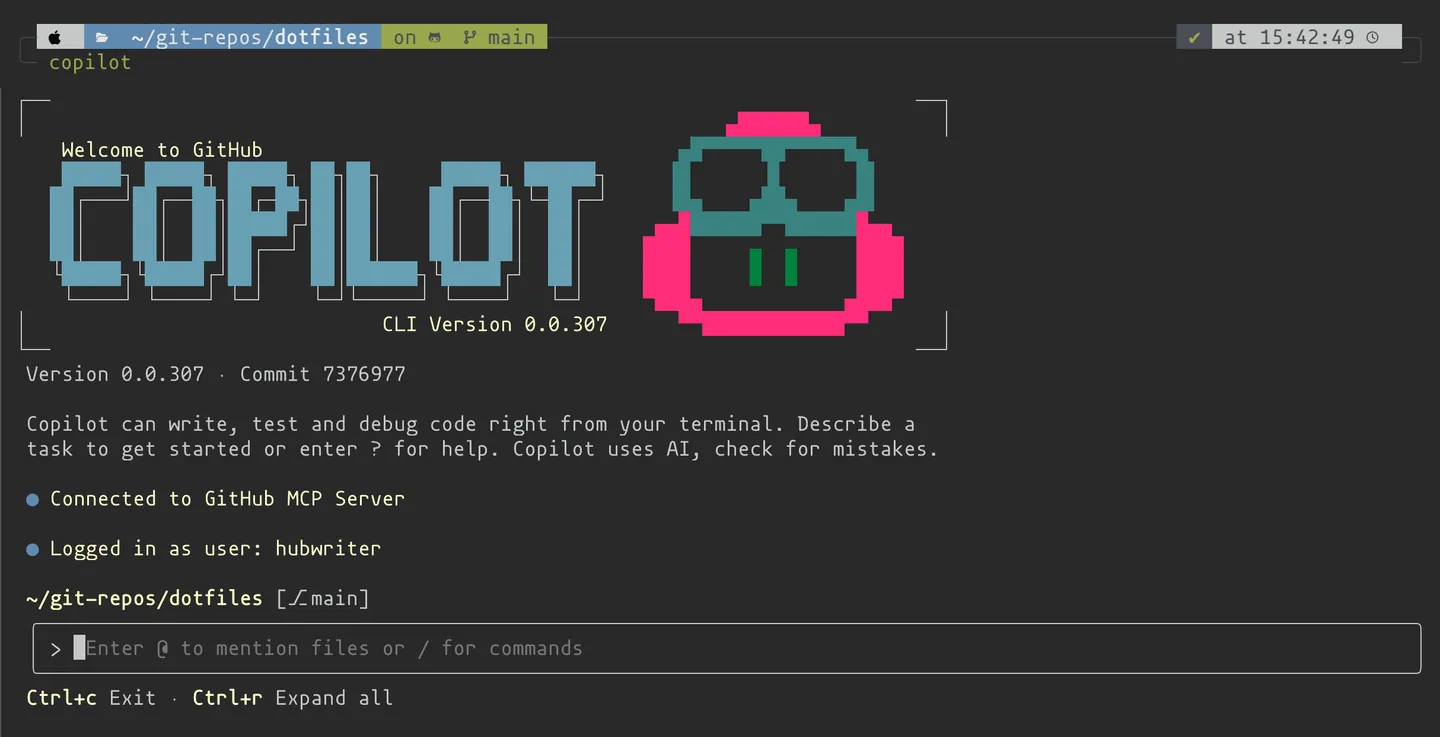 Your terminal, now with a PhD in Computer Science. The future of coding is conversational.
The Technical Sweet Spot
Here’s what gets my developer heart racing about the technical implementation:
🧠 Model Flexibility: By default, you get Claude Sonnet 4.5 (which is absolutely phenomenal for code), but you can switch to Claude Sonnet 4 or even GPT-5 with a simple /model command. Having that choice right in your terminal? Chef’s kiss.
GitHub Integration Out of the Box: This isn’t just an AI that knows code. It’s authenticated with your GitHub account and can interact with your repos, issues, and pull requests using natural language. Want to merge a PR from the terminal? Just ask Copilot.
MCP (Model Context Protocol) Support: The extensibility here is mind-blowing. It ships with GitHub’s MCP server by default, but you can add custom MCP servers to extend capabilities. The modular architecture means the sky’s the limit.
Safety First: Every potentially destructive action requires your explicit approval. It’s like having a really smart intern who asks before touching anything important.
Real-World Magic in Action
Let me show you some scenarios where this absolutely shines:
Scenario 1: The Mystery Bug Hunt
$ copilot
> I'm getting a segfault in my C++ project but only in release builds. Can you help me debug this?

 I'll help you debug this release-only segfault. Let me start by examining your build configuration and looking for common causes...

[Copilot examines your Makefile, CMakeLists.txt, and source files]

> I found a few potential issues. Your optimization flags might be exposing undefined behavior. Let me check your pointer usage in @src/memory_manager.cpp
Scenario 2: Feature Implementation from GitHub Issues
> Implement the new caching mechanism described in issue #342

 I'll fetch issue #342 and implement the caching mechanism described there...

[Copilot pulls the issue, understands the requirements, and starts implementing]

> I'm creating a Redis-based caching layer as specified. Should I update the Docker compose file to include Redis?
Scenario 3: Project Onboarding
> I just cloned this React project. What do I need to know to get started?

 Analyzing your React project structure...

This is a Next.js 14 app with TypeScript, Tailwind CSS, and Prisma. Here's what you need to know:

1. Environment setup: You'll need Node.js 18+ and a PostgreSQL database
2. The project uses App Router (not Pages Router)
3. API routes are in app/api/
4. Database schema is in prisma/schema.prisma

Want me to set up your environment and install dependencies?
The Installation Dance (It’s Surprisingly Simple)
Getting started is refreshingly straightforward:
# Install globally via npm
npm install -g @github/copilot

# Launch it
copilot

# Authenticate (first time only)
/login
That’s it. No complex configuration files, no Docker containers to spin up, no virtual environments to manage. Just install and go.
Requirements:
- Node.js v22+ (because we’re living in the future)
- npm v10+
- An active Copilot subscription (Pro, Pro+, Business, or Enterprise)
- PowerShell v6+ if you’re on Windows (experimental support)
The Features That Made Me Do a Double-Take
File Context with @-mentions
Want to include a specific file in your conversation? Just use @ followed by the path:
> Explain @config/webpack.config.js and suggest optimizationsThe autocomplete for file paths is buttery smooth, just like your favorite shell completion.
Session Resumption
Started a complex refactoring session yesterday? Pick up exactly where you left off:
copilot --resumeIt remembers your conversation context, your trusted directories, and your preferences. It’s like having persistent memory for your AI pair programming sessions.
Custom Instructions
Here’s where it gets really powerful. You can add project-specific instructions in:
.github/copilot-instructions.mdfor repository-wide context.github/copilot-instructions/**/*.instructions.mdfor path-specific guidanceAGENTS.mdfor agent-specific behavior
This means Copilot understands your project’s conventions, architecture decisions, and coding standards automatically.
MCP Server Extension
The Model Context Protocol support is where this tool future-proofs itself. Want to integrate with your company’s internal APIs? Custom deployment tools? Specialized databases? Just add an MCP server:
/mcp addFill in the details, and boom—your AI now speaks your infrastructure’s language.
The Security Paranoid’s Dream
As someone who’s seen too many rm -rf / accidents (not mine, I swear), I love how Copilot CLI handles permissions:
- Trusted Directories: You explicitly trust folders before Copilot can work with them
- Command Approval: Every potentially dangerous operation requires your OK
- Session-Based Permissions: You can approve tools for the current session only
- Granular Control: You can say “yes to this specific command” or “yes to all chmod operations this session”
It’s like having a really smart assistant with trust issues—in the best possible way.
Performance and Quota Reality Check
Each interaction with Copilot CLI uses one premium request from your monthly quota. For most developers, this is totally reasonable—you’re not going to hit limits unless you’re having dissertation-length conversations with your terminal.
The response times are impressively snappy, especially with Claude Sonnet 4.5. It’s fast enough that it doesn’t break your flow but slow enough that you know some serious thinking is happening.
Where This Fits in the Developer Ecosystem
This isn’t trying to replace your IDE, your debugger, or your favorite terminal tools. Instead, it’s the glue that connects everything. Think of it as your terminal’s new superpowers:
- Exploring unfamiliar codebases: “What does this project do and how do I contribute?”
- Debugging complex issues: “This error message is cryptic, help me understand it”
- Implementing features: “Turn this GitHub issue into working code”
- Learning new technologies: “I’m new to Rust, walk me through this project”
- Code review: “Analyze this diff and suggest improvements”
The Rough Edges (Because Nothing’s Perfect)
Let’s be real—this is a public preview, and it shows:
Windows Support is Experimental: If you’re on Windows, prepare for some potential quirks. The team is working on it, but Linux and macOS users get the smoothest experience right now.
It’s Hungry for Context: The better you are at describing your problem and providing context, the better results you’ll get. If you’re used to grunting single-word commands at your terminal, there’s a learning curve.
Network Dependency: Obviously, this needs an internet connection. If you’re the type who codes on planes with no WiFi, you’ll need to adapt your workflow.
Premium Request Usage: While reasonable, heavy users might need to be mindful of their quota, especially if you’re already using Copilot heavily in your IDE.
The Verdict: Is This the Future?
Absolutely yes. This feels like one of those inflection points in developer tooling—like when we got syntax highlighting, or when Git became ubiquitous, or when Docker changed how we think about deployments.
The ability to have a contextual, intelligent conversation about code without leaving your terminal is transformative. It’s not just convenient; it changes how you think about problem-solving.
I’ve been using it for a week, and I keep finding myself trying to ask my regular terminal questions, then remembering I need to launch Copilot CLI. That muscle memory shift is happening fast, which tells me this is sticky technology.
Getting Started Today
If you have an active Copilot subscription, there’s literally no reason not to try this today:
- Install it:
npm install -g @github/copilot - Launch it:
copilot - Start with something simple: Ask it to explain a file in your current project
- Graduate to complex tasks: Have it implement a feature or debug an issue
- Customize it: Add MCP servers, set up custom instructions, configure your preferences
The Bigger Picture
GitHub isn’t just building tools; they’re reshaping the developer experience. Copilot CLI represents a vision where AI assistance is seamlessly integrated into every part of your workflow, not bolted on as an afterthought.
We’re moving toward a world where the question isn’t “Should I ask the AI for help?” but rather “Why would I try to solve this alone?” And honestly? I’m here for it.
The terminal just got a lot smarter, and our code is about to get a lot better.
Ready to upgrade your terminal game?
Pro tip: Start with asking it to explain your most confusing configuration file. Trust me, you’ll be hooked.
Now if you’ll excuse me, I have some legacy code that’s been mocking me for months, and I’ve got a new AI-powered ally in this fight.