

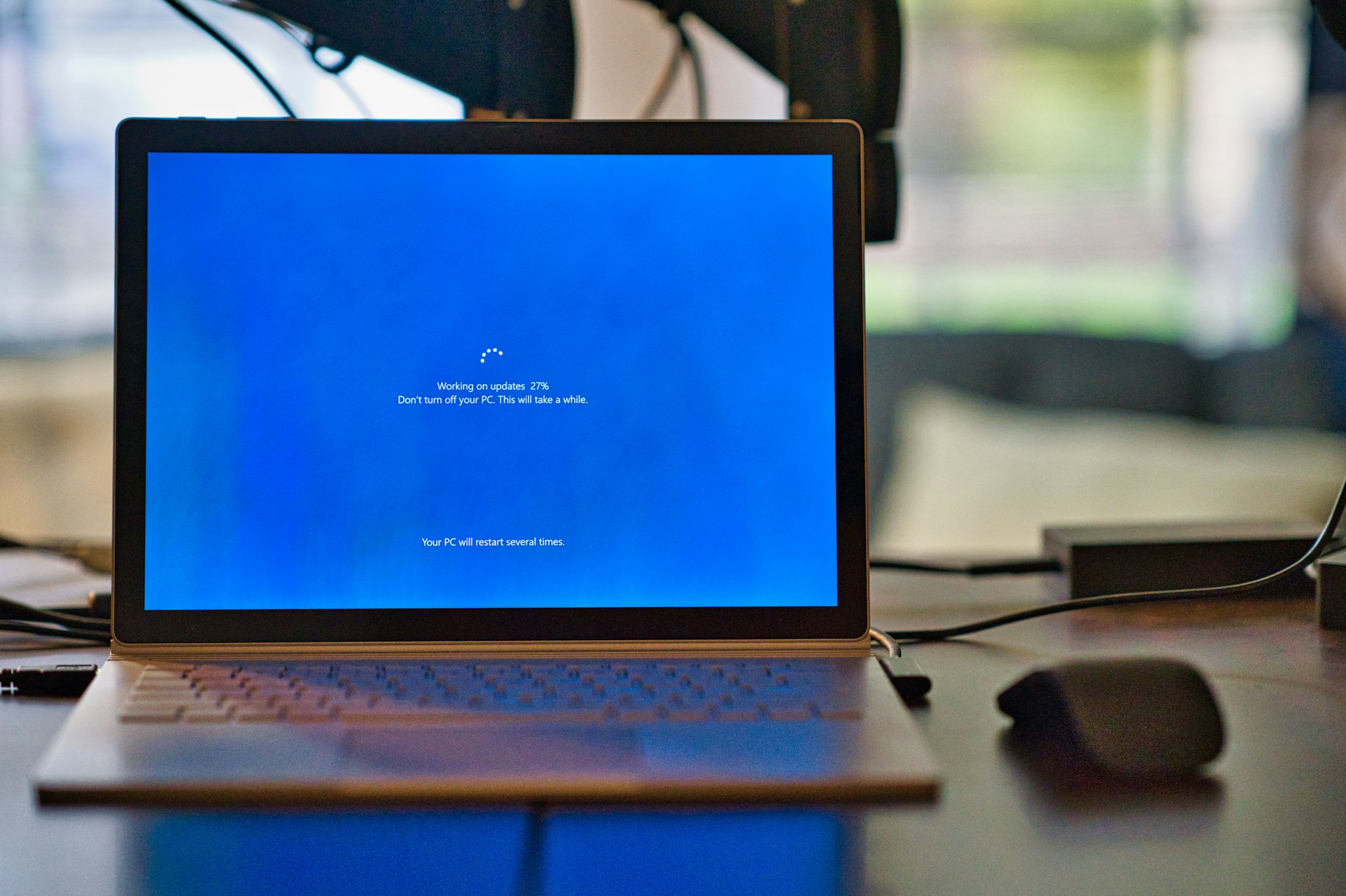
October 14, 2025. Mark it on your calendar, folks. That’s the day Microsoft officially pulls the plug on Windows 10. No more security updates, no more patches, just you and whatever zero-day exploits decide to crash the party.
“But wait,” I hear you saying, “my PC works perfectly fine!” Yeah, about that…
The “Your PC Doesn’t Meet Requirements” Situation
Here’s the kicker: 240 million PCs could be headed to the landfill because they can’t run Windows 11. Not because they’re broken. Not because they’re slow. But because Microsoft decided that your perfectly functional 2016 processor doesn’t have the right… vibes?
The main culprits:
- TPM 2.0 (Trusted Platform Module) - A security chip your PC might not have
- Secure Boot - UEFI firmware requirement
- Specific CPU generations - Nothing older than 8th gen Intel or AMD Ryzen 2000
Got a 7th gen Intel i7 that still crushes modern games? Sorry, not invited to the Windows 11 party. That’s like being told your car is too old to use roads, even though it runs perfectly.
What Actually Happens When Support Ends?
Let’s be real about what “end of support” means:
Your PC won’t explode 💥 (probably)
Your Windows 10 will keep working. Apps will run. You can still browse cat videos. But:
- No security updates - Every new vulnerability stays unpatched
- New software won’t support it - Developers will drop W10 compatibility
- You become the easy target - Hackers love unsupported systems
It’s like living in a house where the locks stopped working and you’re hoping burglars just don’t notice.
Microsoft is offering Extended Security Updates (ESU) for $30/year, but let’s be honest—paying Microsoft to keep your unsupported system barely safe feels like paying rent on a sinking ship.
Option 1: Force Windows 11 Anyway (The Sneaky Route)
Your PC doesn’t officially support Windows 11? Well, Microsoft says one thing, but the community says “hold my beer.”
Tools like Rufus can bypass the requirements:
- Download Windows 11 ISO from Microsoft (always use official sources!)
- Use Rufus 4.6+ to create a bootable USB
- Check the magic boxes that remove TPM/Secure Boot/RAM requirements
- Install on your “unsupported” hardware
The catch? You’re in unsupported territory. If an update breaks something, Microsoft will shrug and say “we told you so.” Some games with anti-cheat (looking at you, Valorant) might not work without proper TPM support.
But for most people? It works fine. Like, really fine.
Option 2: The Linux Plot Twist
Takes deep breath
Okay, hear me out. Before you run screaming “I need Windows for work/gaming/Adobe/whatever,” let’s talk about where Linux actually is in 2025.
The honest truth about Linux:
It’s gotten really good - Modern distros install easier than Windows
Gaming works - Steam Deck runs Linux, and Proton plays most Windows games
Your hardware will fly - That “outdated” PC will feel brand new
Free forever - No subscriptions, no license fees, no telemetry
Some software just won’t work - Adobe Creative Suite, specific professional tools, certain games with aggressive anti-cheat
Learning curve exists - Different, not harder, but still different
You might need to troubleshoot - Though honestly, Windows isn’t exactly problem-free either
The “Windows-Like” Linux Options
If you’re curious about Linux but don’t want to feel like you’re learning Klingon:
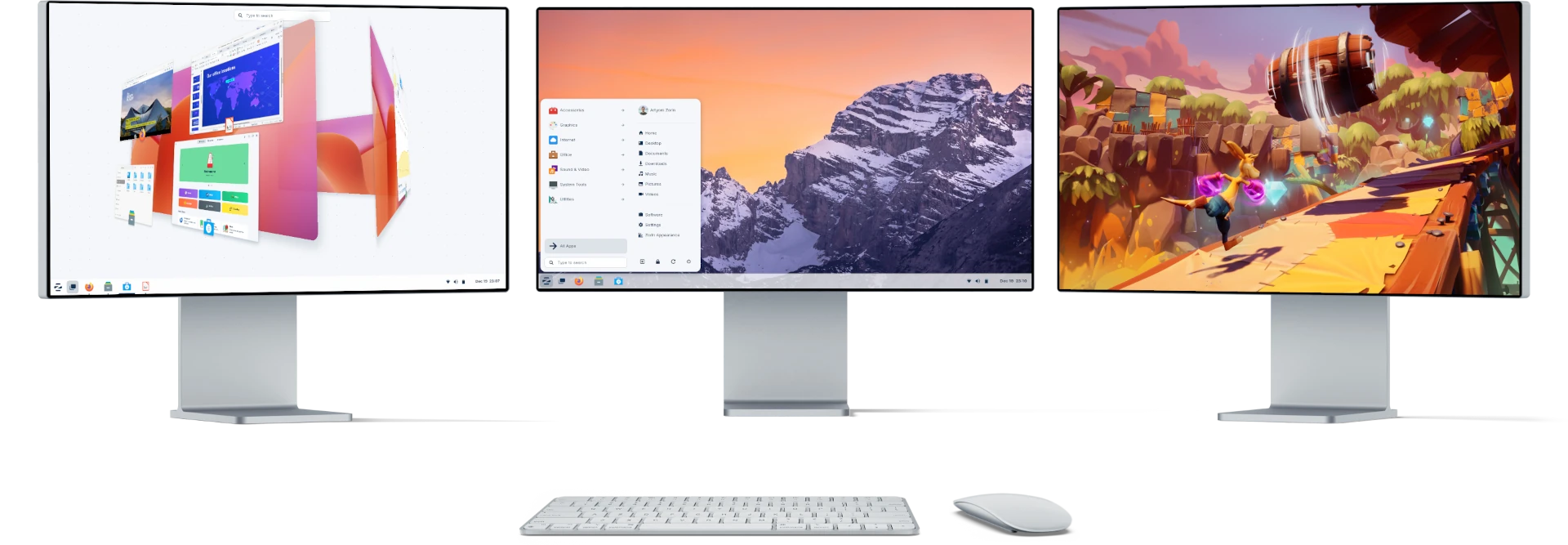 Zorin OS - Feels like Windows, acts like Linux. The best of both worlds for refugees from the Microsoft ecosystem.
Linux Mint - Literally designed to feel like Windows. Start menu, taskbar, system tray—all where you expect them. Great for “I just want my computer to work” folks.
Zorin OS - Goes even further with Windows mimicry. Comes with Wine pre-configured for running some Windows apps. It’s like Windows cosplay, but good.
Ubuntu - The most mainstream option. Huge community, tons of tutorials, if something breaks, someone on Reddit has already fixed it.
For the gaming nerds: Bazzite or CachyOS are optimized for performance with the latest gaming patches out of the box.
Option 3: Upgrade Your Hardware (The Expensive Route)
Sometimes the simple answer is the right answer. If:
- You need Windows for specific work software with no alternatives
- Your PC is genuinely old (like, actually struggling with tasks)
- You’ve got the budget
Then yeah, a new PC with Windows 11 might be the move. Black Friday deals are coming, and you can snag decent systems for $400-600.
But let’s be clear: this shouldn’t be necessary for security patches. Your 2016 i7 is still a beast. This is artificial obsolescence dressed up as “security requirements.”
The Environmental Elephant in the Room
Microsoft loves talking about carbon neutrality and environmental responsibility. Meanwhile, they’re about to create 480,000 tons of e-waste from perfectly functional computers.
That’s not a typo. Nearly half a million tons.
Those “outdated” PCs could:
- Run Linux perfectly for another 5-10 years
- Be donated to schools or nonprofits
- Serve as home servers, media centers, or kids’ computers
Instead? Landfill speed run, any%.
What Should YOU Actually Do?
If your PC supports Windows 11 officially:
Just upgrade. Seriously. Windows 11 isn’t that bad once you disable the bloat and fix the taskbar.
If it doesn’t, and you NEED Windows:
Try the Rufus bypass method. Worst case, it doesn’t work and you’re back where you started. Best case, you’re on Windows 11 for free.
If you’re feeling adventurous:
Dual boot Linux Mint alongside Windows. Use Windows when you must, Linux when you can. Dip your toes before diving in.
If you’re living dangerously:
Stay on Windows 10 past EOL, but at minimum:
- Use a good antivirus (not just Windows Defender)
- Don’t do banking or sensitive tasks
- Seriously consider this is a terrible idea
If you’re ready to burn it all down:
Full Linux conversion. Back up your data, pick a distro, never look back. Join the penguin cult. We have cookies (and fully customizable desktops).
The Real Talk
Look, I’m not here to fanboy for Linux or trash Windows. Use what works for you. But Microsoft forcing hardware upgrades for security updates is objectively scummy, and you shouldn’t feel bad about finding workarounds.
Your 2016 PC isn’t obsolete. Microsoft’s business model just needs you to think it is.
The options ranked by effort:
- Easiest: Force install Windows 11 with Rufus
- Middle ground: Dual boot Windows + Linux
- Learning curve: Full Linux switch
- Money route: Buy new hardware
- Chaos option: Stay on unsupported Windows 10 and hope for the best
Whatever you choose, just don’t let your PC become e-waste because Microsoft said so.
Resources to Get Started
Official Info:
Windows 11 Bypass:
Linux Options:
- Linux Mint - Windows-like, beginner friendly
- Zorin OS - Premium Windows feel
- Ubuntu - Most popular, huge community
- It’s FOSS Windows-Like Distros Guide
For Gamers:
The Bottom Line
October 14, 2025 isn’t the end of the world. It’s just the end of official support for an operating system on arbitrary hardware limitations.
Your PC is probably fine. Microsoft’s requirements are the problem. You have options—more than Microsoft wants you to think.
Do your research, make your choice, and whatever you pick: back up your data first. Seriously. Back it up.
Now if you’ll excuse me, I have some perfectly good 2016 hardware to rescue from artificial obsolescence.
Got your escape plan ready? Whether it’s Windows 11, Linux, or something else entirely—the choice is yours, not Microsoft’s.
P.S. - If you do switch to Linux, remember: the year of the Linux desktop is always next year. It’s tradition.