

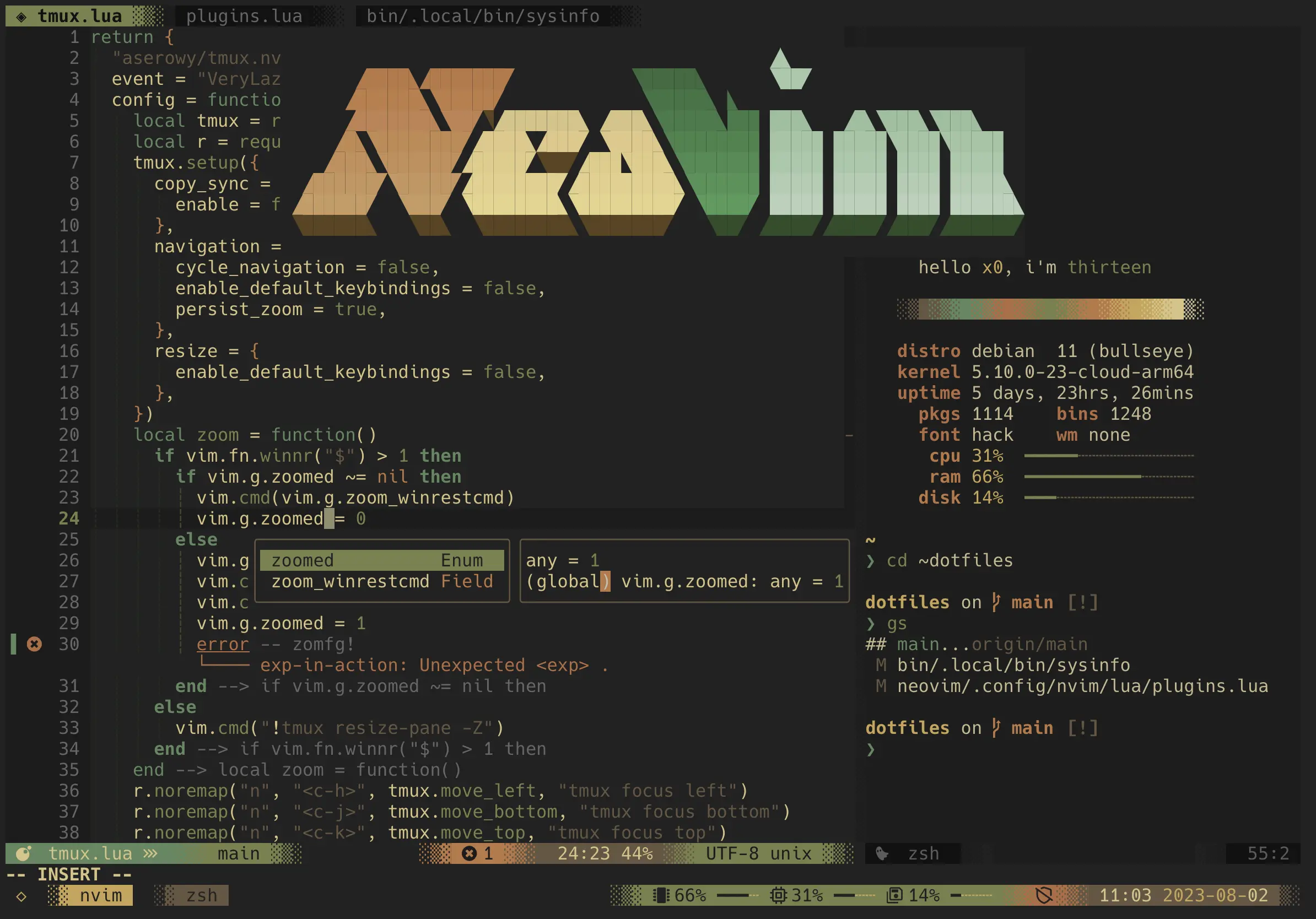
Let’s talk about those Vim nerds. You know the ones—they sit in the corner of the office, smugly typing away in their terminal while the rest of us mere mortals click around VS Code like tourists with cameras. They reach for their mouse approximately never, have configured their editor to do things that seem like dark magic, and they absolutely love telling you why your development setup is inferior.
But here’s the thing: after observing these terminal-dwelling wizards for years, there might actually be something to their insufferable superiority complex. Let’s dive into why these keyboard warriors choose Vim over VS Code, and why they won’t shut up about it.
The Great Awakening: From Mouse Peasant to Keyboard Warrior
Picture this tragic scenario (which describes most normal developers):
- The Endless Mouse Dance: Hand to mouse, click, scroll, click some more, back to keyboard
- The Extension Addiction: “There’s gotta be an extension for that!” installs 47 more extensions
- The RAM Massacre: VS Code consuming more memory than Chrome with 50 tabs open
- The Waiting Game: “Loading…” while Electron decides whether it wants to work today
Now witness the Vim nerd workflow:
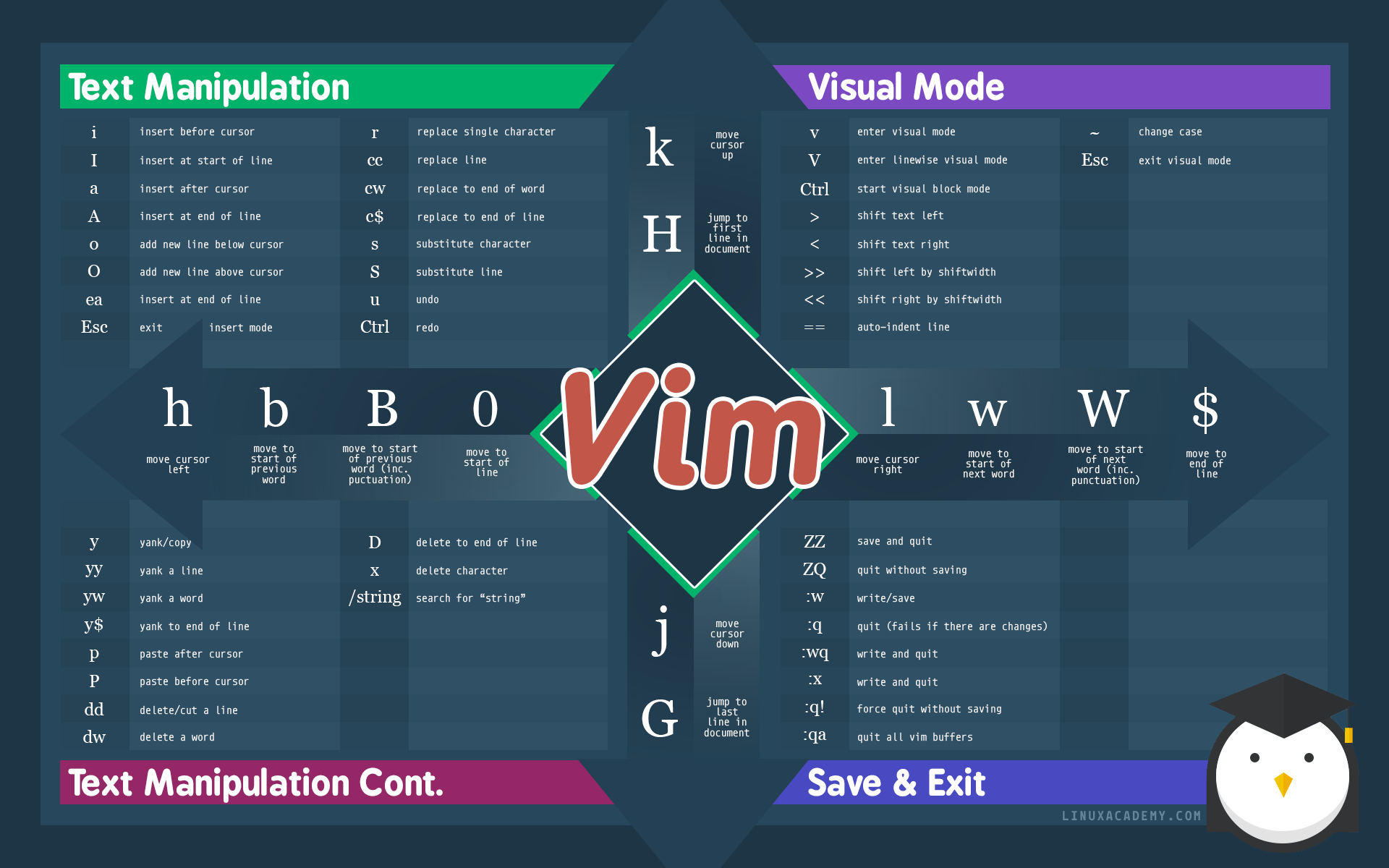
- Pure Keyboard Mastery: They navigate with
hjkl, change words withciw, duplicate lines withyy5p - Lightning Speed: They think it, type it, done. No waiting, no loading, no “please wait while we index your project”
- Minimal Resource Usage: Their editor runs on a potato and still outperforms fancy IDEs
- Terminal Supremacy: Everything in one place, no window switching, just pure productivity
The Mathematical Proof: Vim > VS Code
Here’s how these Vim enthusiasts break down their “hard numbers”:
Time to open a file:
- VS Code: Click, wait, navigate, click, wait some more… ~5-8 seconds
- Vim:
:e filename~0.2 seconds
Time to navigate to line 847:
- VS Code: Ctrl+G, type number, Enter, wait for scroll animation ~3 seconds
- Vim:
:847or847G~0.1 seconds
Time to duplicate a line 10 times:
- VS Code: Select line, copy, paste, paste, paste… (repeat while questioning life choices) ~15 seconds
- Vim:
yy10p~0.5 seconds
According to Vim devotees, the math doesn’t lie. Over a career, that’s literally years of life returned to developers. (Though they spend most of that saved time configuring their .vimrc files.)
The Keyboard-Only Philosophy: Never Touch That Mouse Again
Here’s the thing VS Code users don’t understand: every time you reach for your mouse, a kitten dies somewhere. Okay, maybe not literally, but your productivity certainly takes a hit.
The Vim philosophy is simple: your hands should live on the keyboard like they were born there. Home row is your actual home. The mouse is that annoying relative you see at family gatherings—acknowledged but avoided.
Common VS Code workflow:
Think → Move hand to mouse → Point → Click → Move hand back → Type → Repeat foreverEnlightened Vim workflow:
Think → Type → DoneThe beauty is that Vim commands read like English. Want to change the word under your cursor? cw (change word). Delete everything inside parentheses? di( (delete inside parentheses). It’s like having a conversation with your editor, except your editor actually listens and does what you want.
Plugin Ecosystem: Quality vs Quantity
VS Code approach: “Let’s install 50 extensions and hope they don’t conflict!”
- Extension for Git integration
- Extension for bracket highlighting
- Extension for file icons
- Extension for themes
- Extension to manage other extensions
- Your RAM has left the chat
Vim approach: “Let’s install exactly what we need and make it blazingly fast!”
- Telescope: Fuzzy finding that makes VS Code’s search look like dial-up internet
- LSP: Real-time error checking without the bloat
- Treesitter: Syntax highlighting that actually understands your code
- NvimTree: File explorer that doesn’t eat your entire sidebar
The difference? According to Vim evangelists, their plugins are built for speed and efficiency. VS Code extensions are built for… well, they’re not entirely sure what they’re built for, but the Vim crowd insists it’s definitely not performance.
The Terminal Advantage: One Environment to Rule Them All
While the rest of us juggle multiple windows like circus performers, these terminal purists live in what they call “terminal zen”:
- File editing: Vim
- Git operations: Built-in terminal commands
- Project navigation: File managers and fuzzy finders
- Testing: Terminal
- Debugging: Terminal (with proper tools)
- Everything else: Still terminal
It’s like having a Swiss Army knife, except every tool is the best in its category and they all work together perfectly.
Customization: Your Editor, Your Rules
According to Vim purists, VS Code gives you themes and some settings. Vim gives users complete control over reality.
Want to create a custom command that formats code, runs tests, commits to git, and makes coffee? Apparently it’s easy for these wizards:
:command! DoEverything !format-code && run-tests && git commit -m "magic" && make-coffee“Try doing that in VS Code,” they’ll smugly challenge you. “We’ll wait.”
Their vimrc files become living documents of their development evolution. It’s not just configuration for these folks—it’s a personal manifesto written in code.
The Performance Difference: SSD vs Floppy Disk
VS Code startup time: 3-10 seconds (longer if Electron is having an existential crisis) Vim startup time: Instant (literally faster than you can blink)
VS Code memory usage: 200-800MB (just for the editor, mind you) Vim memory usage: 10-30MB (including your entire workflow)
VS Code on older hardware: “Have you tried turning it off and on again?” Vim on older hardware: “What hardware limitations?”
The Learning Curve: Investment vs. Instant Gratification
Even Vim advocates admit—their beloved editor has a learning curve. They describe it like learning to drive a Formula 1 car when you’re used to an automatic sedan. The first week, new converts want to throw their computer out the window. The second week, they start to see the light. By the third week, they become insufferably evangelical about it.
Vim enthusiasts see VS Code as comfortable—like a warm hug from Microsoft. But to them, comfort is the enemy of growth. They believe Vim forces developers to become better by making them think about efficiency at every keystroke. (Whether anyone asked for this level of optimization is another question.)
Real-World Scenarios: Vim Flexing
Scenario 1: Need to edit a config file on a remote server?
- VS Code: Install extensions, set up remote development, wait for sync…
- Vim:
ssh server && vim config.ymlDone.
Scenario 2: Working on a 10,000-line file?
- VS Code: Beach ball of death
- Vim: “What file? I didn’t notice anything special.”
Scenario 3: Need to make the same edit in 50 places?
- VS Code: Find and replace, hope it works, manually check each one
- Vim: Record a macro, replay it 50 times in one command
The Social Benefits: Maximum Smugness Achievement Unlocked
Let’s not ignore the social aspect. When Vim users casually mention their editor choice, they believe they instantly gain:
- +50 Developer Credibility
- +25 Terminal Street Cred
- +100 “I Know What I’m Doing” Aura
- Unlimited rights to judge people who use the mouse
Plus, according to them, there’s nothing quite like the look on someone’s face when they edit a complex file faster than others can open VS Code. (The look is usually confusion mixed with mild annoyance, but they interpret it as awe.)
Migration Path: The Journey to Terminal Enlightenment
Here’s what Vim converts describe as their typical progression:
Week 1: Install Neovim, cry a little, question life choices
Week 2: Learn basic navigation (hjkl), start to feel “the power”
Week 3: Master text objects (ciw, da(, yip), experience what they call “euphoria”
Week 4: Configure first plugins, achieve what they consider “transcendence”
Week ∞: Continuously optimize workflow, become insufferable to colleagues
The Verdict: Understanding the Terminal Resistance
According to Vim evangelists, VS Code is fine if developers enjoy:
- Waiting for things to load
- Having 50 extensions manage their lives
- Using 2GB of RAM to edit text files
- Being dependent on a mouse like it’s still 1995
But if developers want to:
- Code at the speed of thought
- Have complete control over their environment
- Use computer resources efficiently
- Join the ranks of terminal-dwelling code wizards
Then these keyboard purists insist it’s time to embrace Vim. They promise future selves (and RAM) will thank anyone who makes the switch.
As they love to remind everyone: There are only two types of developers in this world—those who use Vim, and those who haven’t discovered it yet. The choice is yours, but choose wisely, they warn. Your keyboard awaits.
Ready to begin your journey? Start with the built-in vimtutor command in your terminal, or try Vim Adventures (a game-based tutorial). Then move on to Neovim and the excellent kickstart.nvim configuration.
Need inspiration? Check out this great article about why developers still choose Vim in 2023.
Warning: Side effects of Vim usage may include increased productivity, terminal addiction, and an irresistible urge to evangelize others about the superiority of modal editing.