

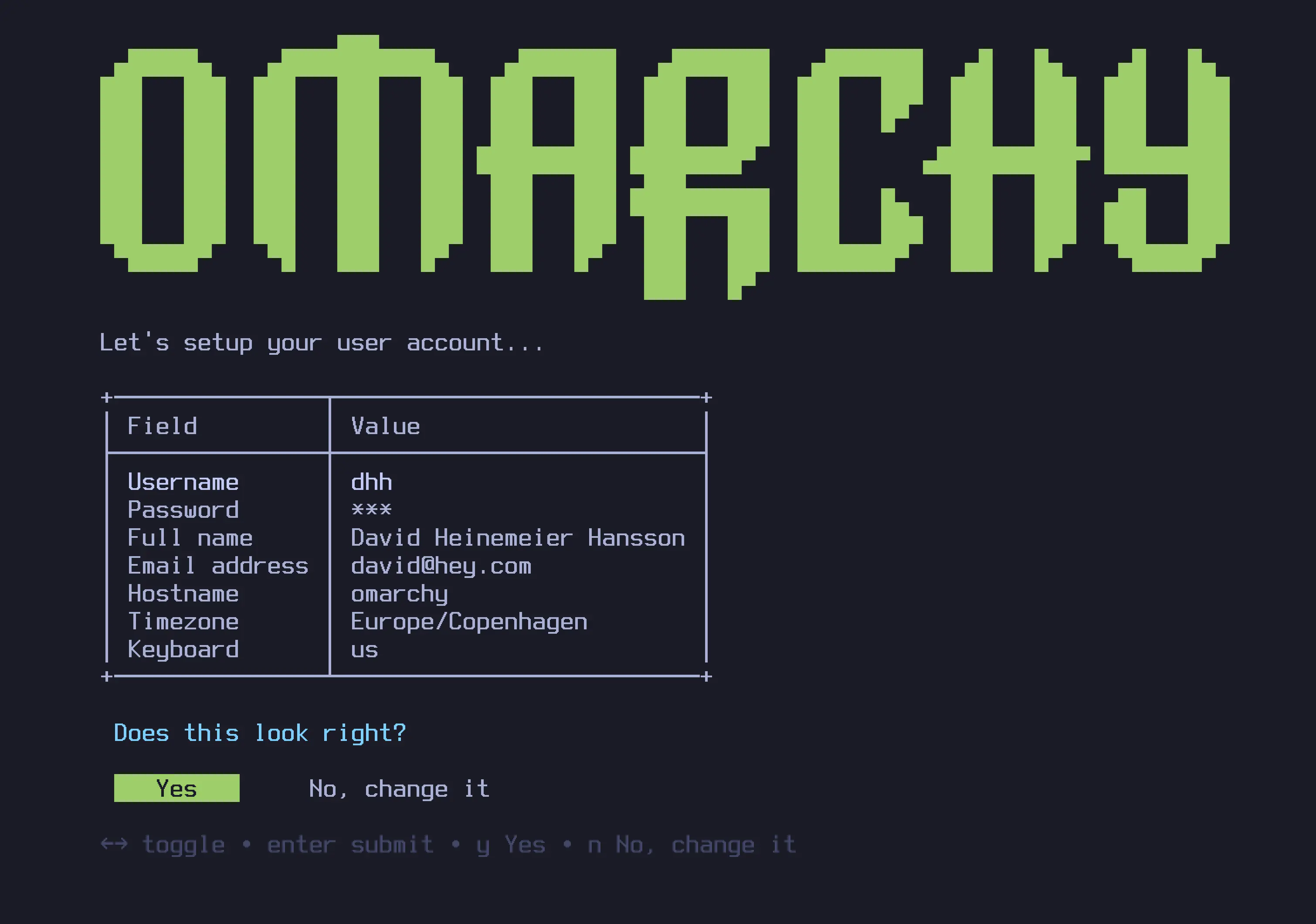
Holy penguin, Batman. David Heinemeier Hansson—yes, that DHH, the Ruby on Rails legend—just opened a new chapter and created his own Linux distro. And it’s not just any distro; it’s an opinionated Arch Linux that actually works out of the box.
Welcome to Omarchy, the distro that might finally make 2025 the year of the Linux desktop. For developers, anyway.
Meet Omarchy: DHH’s Linux Vision
Let’s get something straight: DHH didn’t just slap his name on some Ubuntu derivative and call it a day. This is Arch Linux at its core, but with all the sharp edges filed down and a polished developer workflow that appeals to developers from any platform.
The pitch? “What if Linux could be polished, provide open-source freedom, and remain accessible to everyone?”
The “I Use Arch, BTW” Moment
Here’s the beautiful irony: Omarchy lets you drop the classic “I use Arch, btw” line at meetups, but you won’t have to spend three weekends configuring your window manager or hunting down audio drivers.
The Omarchy logo alone deserves props—it manages to look both dangerous and nerdy simultaneously. Perfect for stickers on your ThinkPad.
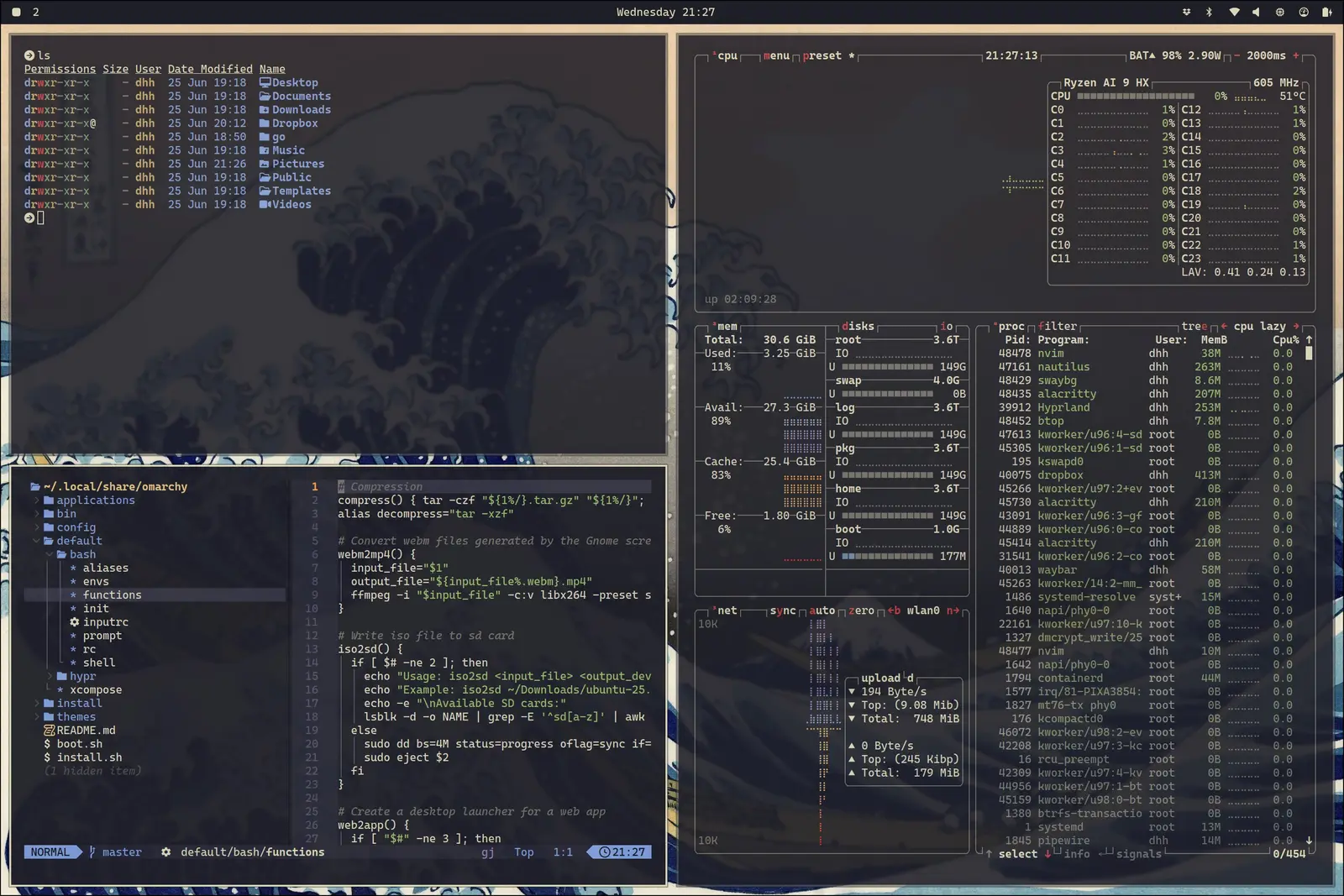 Hyprland window manager in action - tiling windows with elegant workspace management
What Makes It Special? (The Good Stuff)
Hyprland: Window Management That Doesn’t Suck
Forget dragging windows around like a caveman. Omarchy ships with Hyprland, a tiling window manager that makes your workspace feel like Tony Stark’s holographic interface. Windows auto-organize, multiple monitors become optional, and your mouse starts collecting dust (in a good way).
Pre-configured Neovim (LazyVim)
No more configuration hell. Omarchy includes LazyVim—a batteries-included Neovim setup that gives you IDE-level features without the bloat. Syntax highlighting, LSP support, file trees, fuzzy finding—it’s all there, ready to go.
Want VS Code? Well… this isn’t that kind of distro. Learn to love the keyboard, young Padawan.
Modern Shell Tools (Because Life’s Too Short for Basic Commands)
- fzf - Fuzzy finding that makes
greplook prehistoric - ripgrep - Like grep, but faster and smarter
- zoxide -
cdcommand with memory - Custom shell functions - Image conversion, git shortcuts, productivity hacks
Developer-First Package Selection
Out of the box, you get:
- Git & Docker (obviously)
- Obsidian for markdown and note-taking
- Piñata for image editing
- OBS Studio for screen recording
- Base Camp & Hey (because DHH’s gotta DHH)
The Philosophy: Opinionated and Proud
Traditional Arch users might clutch their pearls at all the pre-installed software. “Where’s my minimal base system? Where’s my configuration autonomy?”
That’s not the point.
Omarchy isn’t for Arch purists who enjoy recompiling their kernel for fun. It’s for developers who want Linux power without Linux friction. It’s for developers looking for an alternative platform that’s both powerful and cost-effective. It’s for anyone who believes your OS should enhance your workflow, not become your weekend hobby.
The Target Audience (Are You One of Them?)
You’ll love Omarchy if:
- You’re a developer curious about Linux but want something that just works
- You want Arch’s package ecosystem without the setup nightmare
- You’re comfortable with keyboard shortcuts (or willing to learn)
- You believe in the Ruby way: convention over configuration
- You prefer open-source alternatives when available
You’ll hate it if:
- You’re already an Arch elitist (too much “bloat”)
- You need GUI apps that only exist on Windows
- You can’t live without your mouse for everything
- You have strong opinions about DHH (the distro won’t change them)
Installation: Surprisingly Civilized
- Download the ISO from omarchy.org
- Flash to USB with Balena Etcher or Rufus (Windows users)
- Boot and follow the installer
- Fair warning: It enables disk encryption by default and will wipe existing drives
The whole process is refreshingly straightforward. No partition calculations, no driver hunting, no “whoops, I broke GRUB” moments.
Real Talk: Is This Production Ready?
For daily development work? Absolutely. The package ecosystem is Arch’s massive repository plus AUR. Installing new tools is trivial (super + alt + space brings up the package manager).
For your grandmother? Probably not. This is still a keyboard-focused, terminal-heavy environment.
For developers from other platforms? This might be the gateway Linux has needed. It’s familiar enough to feel comfortable but different enough to show Linux’s unique advantages.
The Verdict: Gateway Drug Done Right
Omarchy feels like what Linux distros should have been doing all along: taking strong positions instead of trying to please everyone.
Is it perfect? No. Will it convert every MacBook Pro user overnight? Unlikely. But it represents something important: Linux can be both powerful and approachable when someone makes thoughtful decisions about defaults.
The bottom line: If you’re a developer who’s Linux-curious but configuration-averse, Omarchy deserves your attention. It’s Arch Linux with training wheels that don’t feel like training wheels.
And hey, you’ll finally be able to say “I use Arch, btw” without lying or suffering through the installation process.
Resources to Get Started
Official Omarchy:
- Omarchy.org - Main website and ISO download
- Omarchy Manual - Complete documentation
Installation Tools:
- Balena Etcher - Cross-platform USB flashing tool
- Rufus - Windows USB tool with advanced options
- Installation requires: USB drive, new SSD recommended, backup of existing data
Community & Learning:
- Arch Wiki (still your best friend for advanced configuration)
- Hyprland documentation for window manager customization
- LazyVim docs for editor configuration
The Future of Developer Operating Systems?
Maybe DHH is onto something. Maybe the future isn’t about choosing between different platforms’ trade-offs. Maybe it’s about opinionated distributions that make smart defaults for specific use cases.
One thing’s certain: if a Rails developer can make Arch Linux feel this approachable, we might actually be looking at the beginning of something bigger.
2025: The year developers finally had a real choice in operating systems.
Ready to explore a new development environment? Omarchy is proof that Linux desktop innovation isn’t dead—it’s just getting more opinionated and user-friendly.
Now if you’ll excuse me, I have some keyboard shortcuts to memorize and a mouse to retire.