

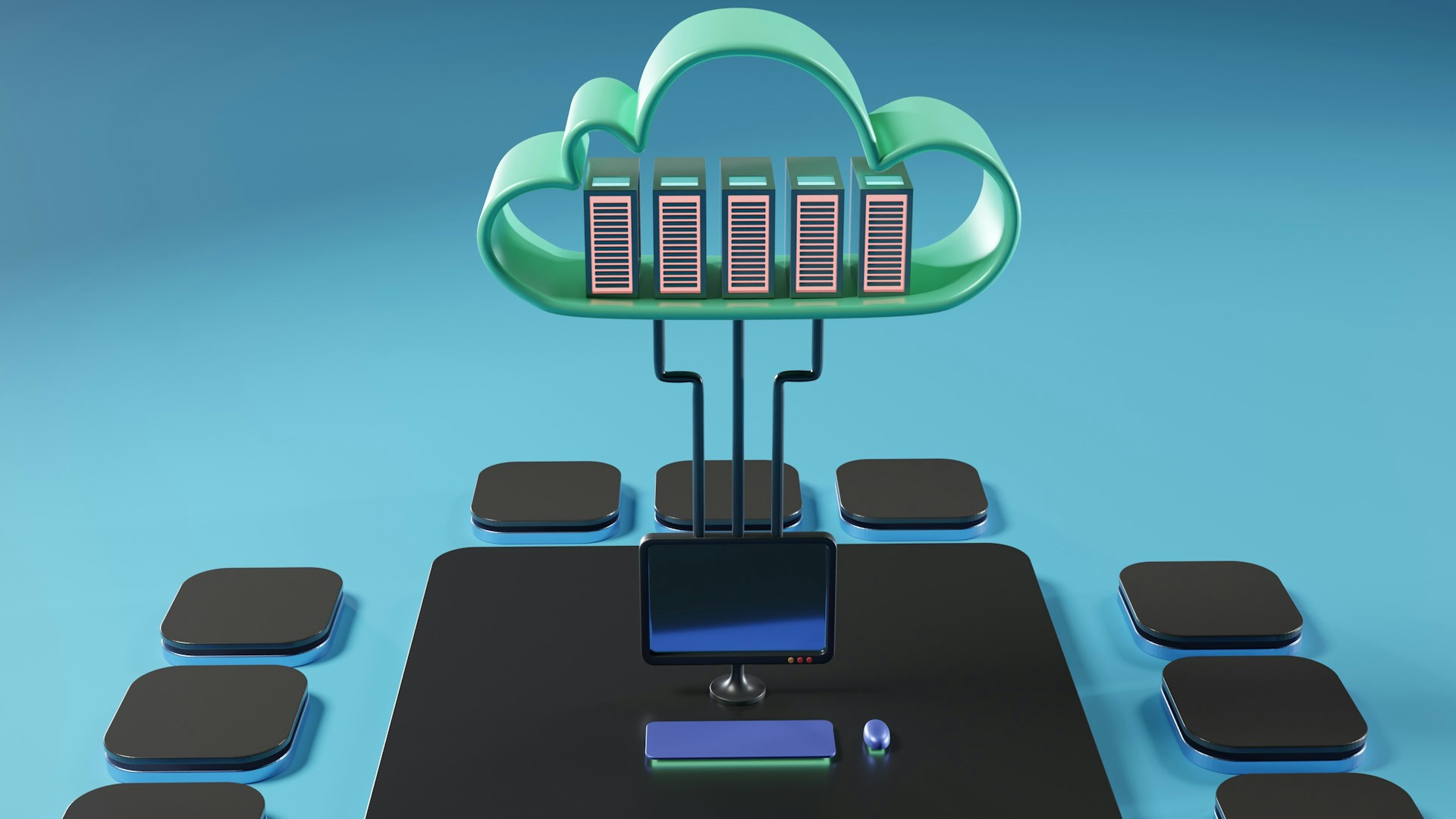

Imagine if you could access your photos, documents, and favorite entertainment from anywhere in the world, just like tuning into a radio station. Welcome to the cloud—not the fluffy white ones in the sky, but the invisible digital infrastructure that’s revolutionizing how we live, work, and connect. Whether you’re 8 or 80, understanding cloud computing is like learning to navigate a new neighborhood that’s become essential to modern life. This comprehensive guide will demystify the digital sky above us and show you how to soar confidently through our connected world.
What is Cloud Computing? Demystifying the Digital Sky
Understanding the Cloud in Everyday Terms

Think of cloud computing as a vast, invisible library in the sky where instead of books, you store photos, documents, music, and even entire computer programs. Just as you can visit any library branch and access their collection, cloud computing lets you access your digital “stuff” from any device, anywhere you have an internet connection.
Core Cloud Concepts Made Simple:
- Remote Storage: Your files live on powerful computers far away, not just on your device
- On-Demand Access: Get what you need, when you need it, from anywhere with internet
- Shared Resources: Like sharing a bus instead of everyone driving their own car
- Automatic Updates: Your software stays current without you having to think about it
- Scalability: Like a magical backpack that grows bigger as you put more things in it
- Collaboration: Multiple people can work on the same document simultaneously
Why the Cloud Matters in Your Daily Life:
- Freedom: Access your files from your phone, tablet, laptop, or any computer
- Security: Professional protection that’s often better than what you could manage alone
- Convenience: Automatic backups mean you’re less likely to lose important memories or work
- Cost-Effective: Pay only for what you use, like utilities instead of buying everything upfront
- Collaboration: Work together on projects with family, friends, or colleagues seamlessly
- Innovation: Enables new ways of working, learning, and entertaining ourselves
Types of Cloud Services: From Simple to Sophisticated
Personal Cloud Services (What Most People Use):
- Cloud Storage: Google Drive, iCloud, Dropbox for storing photos and documents
- Streaming Services: Netflix, Spotify, YouTube accessing content without downloading
- Email Services: Gmail, Outlook, Yahoo Mail accessed from any device
- Social Media: Facebook, Instagram, TikTok where your content lives in the cloud
- Backup Services: Automatic protection for your phone photos and important files
Business Cloud Solutions:
- Software as a Service (SaaS): Using programs through a web browser instead of installing them
- Collaboration Tools: Microsoft 365, Google Workspace for team projects
- Communication Platforms: Zoom, Slack, Teams for meetings and messaging
- Customer Management: Tools that help businesses serve customers better
- Data Analytics: Understanding patterns and trends in business information
Advanced Cloud Computing:
- Infrastructure as a Service: Renting computer power instead of buying servers
- Platform as a Service: Building custom applications without managing the underlying technology
- Edge Computing: Processing data closer to where it’s needed for faster responses
- Hybrid Cloud: Combining personal and business cloud solutions
- Multi-Cloud: Using services from different cloud providers for different needs
Cloud Computing in Your Daily Life: Where You Already Live in the Sky
Entertainment and Media in the Cloud

Streaming Entertainment:
- How It Works: Content stored on remote servers streams directly to your device
- Popular Services: Netflix for movies, Spotify for music, YouTube for videos
- Benefits: Instant access to millions of titles without storage limitations
- Smart Features: Recommendations based on your viewing/listening history
- Offline Options: Download content temporarily for travel or areas with poor internet
Cloud Gaming:
- Game Streaming: Play high-quality games on any device without expensive hardware
- Save Synchronization: Continue your game progress across different devices
- Multiplayer Capabilities: Connect with players worldwide through cloud infrastructure
- Automatic Updates: Games update themselves without filling your device storage
- Cross-Platform Play: Play the same game on phone, tablet, computer, or TV
Digital Content Creation:
- Photo/Video Editing: Professional tools accessible through web browsers
- Collaborative Projects: Multiple people editing the same video or presentation
- Automatic Backup: Your creative work protected without manual effort
- Version History: See changes over time and restore previous versions
- Sharing Capabilities: Instantly share creations with friends, family, or the world
Work and Productivity in the Cloud
Remote Work Revolution:
- Virtual Offices: Complete work environments accessible from anywhere
- Document Collaboration: Multiple people editing the same document simultaneously
- Video Conferencing: High-quality meetings without special software installations
- Project Management: Organizing tasks and deadlines with team members worldwide
- Digital Whiteboards: Brainstorming and planning together despite physical distance
Cloud-Based Productivity:
- Office Applications: Word processing, spreadsheets, presentations through web browsers
- Email and Calendar: Synchronized across all devices with automatic backup
- File Sharing: Secure sharing of documents with specific people or groups
- Automatic Syncing: Changes made on one device appear instantly on all others
- Mobile Productivity: Full work capabilities on smartphones and tablets
Education and Learning:
- Virtual Classrooms: Online learning environments with interactive features
- Collaborative Research: Students working together on projects from different locations
- Digital Libraries: Access to vast educational resources from anywhere
- Personalized Learning: AI-powered education that adapts to individual learning styles
- Assessment Tools: Automated grading and feedback systems for immediate learning
Smart Home and Internet of Things (IoT)
Connected Home Devices:
- Smart Speakers: Voice assistants that process commands in the cloud
- Home Security: Cameras and sensors monitored and controlled remotely
- Climate Control: Thermostats that learn your preferences and adjust automatically
- Smart Appliances: Refrigerators that order groceries, washers that optimize cycles
- Lighting Systems: Automated lighting that responds to your schedule and preferences
Wearable Technology:
- Fitness Tracking: Health data synchronized across devices and analyzed in the cloud
- Medical Monitoring: Continuous health monitoring with automatic alerts to healthcare providers
- Smart Watches: Notifications, apps, and communication features powered by cloud services
- Location Services: GPS tracking for safety and convenience applications
- Emergency Features: Automatic emergency calling and location sharing
How Cloud Computing Works: The Magic Behind the Digital Sky
The Infrastructure You Don’t See
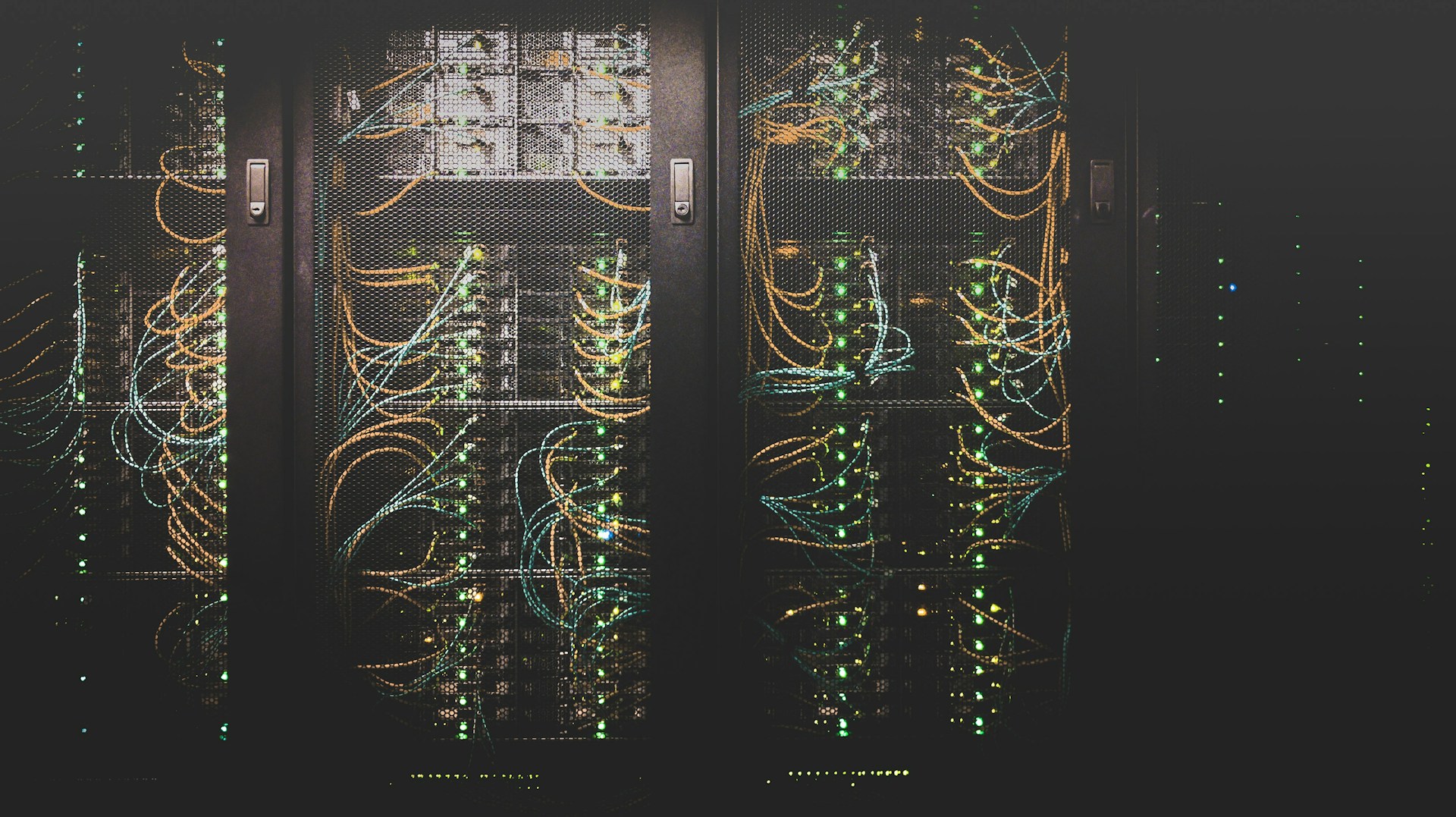
Data Centers: The Cloud’s Physical Foundation Imagine massive warehouses filled with thousands of computers, all working together to store and process information. These data centers are strategically located around the world to ensure fast access no matter where you are.
The Journey of Your Data:
- Upload: You save a photo to the cloud from your phone
- Transmission: The photo travels through internet infrastructure to a data center
- Storage: The photo is stored on multiple computers for safety and speed
- Processing: The cloud adds features like face recognition or automatic enhancement
- Access: You view the photo from any device, and it streams back to you
- Synchronization: Changes or edits are updated across all your devices
Security and Reliability:
- Redundancy: Your data exists in multiple locations so it’s never truly lost
- Encryption: Information is scrambled during transmission and storage for protection
- Professional Management: Expert teams monitor and maintain the infrastructure 24/7
- Disaster Recovery: Backup systems ensure service continues even during emergencies
- Compliance: Meeting strict standards for privacy and data protection
Cloud Service Models Explained Simply
Software as a Service (SaaS) - Using Programs Without Owning Them: Like subscribing to a newspaper instead of buying a printing press, SaaS lets you use sophisticated software without buying or maintaining it. Examples include Gmail, Netflix, and Microsoft 365.
Platform as a Service (PaaS) - Building Without Infrastructure: Like renting a fully-equipped kitchen to start a catering business instead of building your own restaurant, PaaS provides the tools and environment to create applications without managing the underlying technology.
Infrastructure as a Service (IaaS) - Renting Computer Power: Like leasing office space instead of buying a building, IaaS provides computing resources (processing power, storage, networking) that you can use as needed.
Benefits of Cloud Computing: Why the Sky is the Limit
Personal Benefits for Everyday Users

Accessibility and Convenience:
- Universal Access: Your files and applications available from any internet-connected device
- Automatic Synchronization: Changes made on one device automatically appear on all others
- No Software Installation: Use powerful applications directly through web browsers
- Device Independence: Switch between phone, tablet, and computer seamlessly
- Travel-Friendly: Access everything you need regardless of location
Cost Savings:
- Reduced Hardware Costs: Less need for expensive computers with large storage
- Pay-as-You-Use: Only pay for the storage and services you actually need
- No Maintenance: No need to update software or replace hardware regularly
- Shared Family Plans: Multiple family members share storage and services cost-effectively
- Reduced IT Support: Less need for technical assistance and repairs
Enhanced Collaboration:
- Real-Time Sharing: Multiple people can work on documents simultaneously
- Family Photo Sharing: Easily share memories with extended family and friends
- Group Projects: Students and professionals can collaborate regardless of location
- Version Control: Track changes and see who made what modifications
- Communication Integration: Chat, video call, and collaborate within the same platform
Business and Organizational Advantages
Scalability and Flexibility:
- Rapid Scaling: Instantly increase or decrease computing resources as needed
- Global Reach: Serve customers worldwide without physical infrastructure in every location
- Seasonal Adjustment: Handle busy periods without permanent investment in extra capacity
- Experimentation: Try new ideas without major upfront technology investments
- Disaster Recovery: Quickly restore operations after emergencies or equipment failures
Innovation and Agility:
- Faster Development: Build and deploy new applications more quickly
- Access to Advanced Technologies: Use AI, machine learning, and analytics without expertise
- Focus on Core Business: Spend time on what makes you unique rather than managing technology
- Automatic Updates: Always have access to the latest features and security improvements
- Data-Driven Decisions: Better insights through advanced analytics and reporting tools
Cloud Security: Staying Safe in the Digital Sky
Understanding Cloud Security Basics

Shared Responsibility Model: Think of cloud security like living in an apartment building. The building owner (cloud provider) ensures the structure is safe, the elevators work, and the building is secure. You (the user) are responsible for locking your apartment door and protecting your personal belongings.
What Cloud Providers Protect:
- Physical Security: Data centers with strict access controls and monitoring
- Infrastructure Security: Network protection, server maintenance, and hardware security
- Platform Security: Operating system updates and security patches
- Service Security: Application-level security and encryption
- Compliance: Meeting industry standards and regulations
What You Need to Protect:
- Account Security: Strong passwords and two-factor authentication
- Data Classification: Understanding what information is sensitive
- Access Control: Managing who can see and edit your files
- Safe Practices: Recognizing phishing attempts and suspicious activity
- Regular Monitoring: Checking for unusual activity in your accounts
Best Practices for Personal Cloud Security
Strong Authentication:
- Complex Passwords: Use unique, strong passwords for each cloud service
- Two-Factor Authentication: Add an extra layer of security beyond just passwords
- Biometric Security: Use fingerprint or face recognition when available
- Password Managers: Tools to generate and store secure passwords safely
- Regular Updates: Change passwords periodically and after any security concerns
Safe Data Practices:
- Know Your Data: Understand what information you’re storing in the cloud
- Privacy Settings: Regularly review and adjust sharing and privacy configurations
- Backup Strategy: Maintain local copies of critical data as additional protection
- Secure Sharing: Use proper sharing controls instead of making files publicly accessible
- Regular Cleanup: Remove old files and close unused accounts
Staying Informed:
- Security Notifications: Enable alerts for login attempts and account changes
- Service Updates: Stay informed about changes to cloud services you use
- Education: Learn about new security threats and protection methods
- Professional Advice: Consult with IT professionals for business or complex personal setups
- Community Resources: Join user communities to learn from others’ experiences
Choosing Cloud Services: Finding Your Perfect Digital Sky
Evaluating Cloud Storage Options

Popular Personal Cloud Storage Services:
Google Drive:
- Best For: Integration with Android devices and Google services
- Features: 15GB free storage, excellent collaboration tools, strong search capabilities
- Considerations: Tied to Google ecosystem, privacy considerations with data usage
Apple iCloud:
- Best For: Apple device users (iPhone, iPad, Mac)
- Features: Seamless device synchronization, automatic photo backup, family sharing
- Considerations: Limited usefulness outside Apple ecosystem, storage can be expensive
Microsoft OneDrive:
- Best For: Windows users and Microsoft Office integration
- Features: Office 365 integration, good collaboration features, business-friendly
- Considerations: Interface can be complex, best value comes with Office subscription
Dropbox:
- Best For: Cross-platform compatibility and simplicity
- Features: Easy file sharing, strong synchronization, good third-party integrations
- Considerations: Limited free storage, can be expensive for large storage needs
Amazon Drive:
- Best For: Amazon Prime members and large storage needs
- Features: Unlimited photo storage for Prime members, integration with Amazon services
- Considerations: Less collaboration features, primarily focused on storage
Business Cloud Solutions
Microsoft 365:
- Best For: Traditional office work and established business processes
- Features: Complete office suite, email, collaboration tools, enterprise security
- Considerations: Can be complex, requires training, subscription costs add up
Google Workspace:
- Best For: Collaboration-focused teams and modern work styles
- Features: Real-time collaboration, simple interface, strong mobile support
- Considerations: Different from traditional office software, requires internet connection
Slack and Communication Platforms:
- Best For: Team communication and project coordination
- Features: Organized conversations, file sharing, integration with other tools
- Considerations: Can become overwhelming with notifications, requires team adoption
The Future of Cloud Computing: Weather Forecast for the Digital Sky
Emerging Cloud Technologies

Edge Computing - Bringing the Cloud Closer:
- Concept: Processing data closer to where it’s created for faster responses
- Applications: Smart cities, autonomous vehicles, augmented reality experiences
- Benefits: Reduced latency, improved privacy, better performance for real-time applications
- Example: Your smart doorbell recognizing faces instantly without sending video to distant servers
Artificial Intelligence as a Service:
- AI Integration: Machine learning capabilities available to everyone through cloud services
- Applications: Automatic photo organization, voice assistants, predictive text, recommendation systems
- Accessibility: Advanced AI available to small businesses and individuals, not just large corporations
- Future Possibilities: Personal AI assistants that truly understand your needs and preferences
Quantum Computing in the Cloud:
- Revolutionary Power: Solving complex problems that current computers cannot handle
- Applications: Drug discovery, weather prediction, financial modeling, cybersecurity
- Accessibility: Quantum computing power available as a service rather than requiring physical machines
- Timeline: Early applications emerging now, broader availability expected in coming years
Sustainable Cloud Computing:
- Green Technology: Data centers powered by renewable energy
- Efficiency Improvements: Better hardware and software reducing energy consumption
- Carbon Neutrality: Cloud providers committing to environmental responsibility
- User Benefits: Choosing cloud services that align with environmental values
Preparing for the Cloud-First Future
Skills for the Cloud Era:
- Digital Literacy: Comfortable using web-based applications and services
- Security Awareness: Understanding how to protect yourself in cloud environments
- Collaboration Skills: Working effectively with others in digital spaces
- Adaptability: Learning new cloud services and features as they emerge
- Critical Thinking: Evaluating cloud services and making informed choices
Career Implications:
- Remote Work Capabilities: Skills for working effectively from anywhere
- Cloud Platform Knowledge: Understanding major cloud services and their capabilities
- Data Management: Organizing and protecting information in cloud environments
- Digital Communication: Effective collaboration through cloud-based tools
- Continuous Learning: Staying current with evolving cloud technologies
Personal Life Evolution:
- Digital Organization: Managing increasing amounts of digital content and services
- Privacy Management: Making informed decisions about data sharing and storage
- Family Technology: Helping family members of all ages use cloud services safely
- Smart Home Integration: Connecting and managing various smart devices and services
- Digital Legacy: Planning for digital assets and accounts in estate planning
Practical Cloud Applications: Living Your Best Digital Life
Cloud-Based Entertainment and Lifestyle

Streaming and Media Consumption:
- Music Everywhere: Access millions of songs from any device with services like Spotify, Apple Music
- Video on Demand: Watch movies and TV shows anytime with Netflix, Amazon Prime, Disney+
- Podcast Libraries: Subscribe to educational and entertainment podcasts with automatic synchronization
- E-Books and Audiobooks: Carry entire libraries in your pocket with Kindle, Audible
- Gaming Revolution: Play high-quality games on any device through cloud gaming services
Creative Expression:
- Digital Art: Create professional artwork using cloud-based design tools like Canva, Adobe Creative Cloud
- Photo Management: Automatically organize, enhance, and share photos with Google Photos, iCloud Photos
- Video Creation: Edit and produce videos collaboratively using cloud-based editing platforms
- Music Production: Compose and record music using online digital audio workstations
- Writing and Blogging: Write, edit, and publish content using cloud-based writing platforms
Learning and Personal Development:
- Online Courses: Access world-class education through platforms like Coursera, edX, Khan Academy
- Language Learning: Practice new languages with AI-powered tutors through Duolingo, Babbel
- Skill Development: Learn professional skills through LinkedIn Learning, Skillshare
- Virtual Libraries: Access books, journals, and research materials from anywhere
- Certification Programs: Earn professional certifications through cloud-based training platforms
Health and Wellness in the Cloud
Personal Health Management:
- Fitness Tracking: Monitor activity, exercise, and health metrics across multiple devices
- Nutrition Planning: Track diet and nutrition with automatic food databases and meal planning
- Mental Health Support: Access meditation apps, mood tracking, and virtual therapy sessions
- Medical Records: Secure access to health information from any location
- Telemedicine: Consult with healthcare providers through video calls and digital platforms
Family Health Coordination:
- Shared Health Records: Manage family medical information securely in the cloud
- Medication Reminders: Coordinate medication schedules across family members
- Emergency Information: Instantly access critical health information during emergencies
- Health Goal Tracking: Support family members in achieving health and fitness goals
- Appointment Management: Schedule and coordinate medical appointments for the whole family
Cloud Computing for Different Age Groups: Everyone Can Fly
Children and Cloud Technology (Ages 5-12)

Educational Applications:
- Interactive Learning: Educational games and apps that adapt to learning pace
- Collaborative Projects: Working on school assignments with classmates from home
- Digital Portfolios: Storing and organizing school work and creative projects
- Parental Involvement: Parents can monitor progress and stay involved in education
- Safe Exploration: Controlled environments for learning about technology
Creative Expression:
- Digital Art Projects: Creating artwork using kid-friendly cloud-based tools
- Video Creation: Making simple videos and animations for school or fun
- Music and Sound: Exploring music creation through child-appropriate applications
- Storytelling: Writing and illustrating stories using collaborative platforms
- Show and Tell: Sharing creations safely with family and classmates
Safety Considerations:
- Parental Controls: Strong oversight of what children can access and share
- Privacy Protection: Understanding that children’s data requires special protection
- Digital Citizenship: Teaching responsible behavior in digital environments
- Screen Time Management: Balancing cloud-based activities with offline time
- Education About Risks: Age-appropriate discussions about online safety
Teenagers and Young Adults (Ages 13-25)
Academic and Career Preparation:
- Collaborative Learning: Group projects and study sessions conducted online
- Portfolio Development: Building digital portfolios for college and career applications
- Skill Building: Learning in-demand skills through online platforms and tutorials
- Networking: Building professional connections through cloud-based platforms
- Global Perspectives: Connecting with peers worldwide for cultural exchange and learning
Social and Creative Expression:
- Content Creation: Developing skills in video, photography, music, and writing
- Social Media Mastery: Understanding how to use social platforms responsibly and effectively
- Gaming Communities: Participating in multiplayer games and competitive esports
- Entrepreneurship: Starting small businesses using cloud-based tools and platforms
- Activism and Causes: Using technology to support causes they care about
Independence and Life Skills:
- Financial Management: Using cloud-based apps for budgeting and financial planning
- Organization: Managing schedules, tasks, and commitments through digital tools
- Communication: Developing professional communication skills through digital platforms
- Problem Solving: Using cloud resources to research and solve real-world problems
- Digital Responsibility: Understanding the long-term implications of digital choices
Adults and Professionals (Ages 26-65)
Career Enhancement:
- Professional Development: Continuous learning through online courses and certifications
- Remote Work Mastery: Developing skills for effective remote and hybrid work
- Networking: Building professional relationships through cloud-based platforms
- Entrepreneurship: Starting and growing businesses using cloud infrastructure
- Leadership: Managing teams and projects in digital environments
Family and Personal Life:
- Home Management: Organizing household schedules, finances, and responsibilities
- Family Coordination: Keeping family members connected and organized
- Health and Wellness: Managing personal and family health through digital tools
- Financial Planning: Using cloud-based tools for budgeting, investing, and retirement planning
- Hobby and Interest Pursuit: Exploring passions through online communities and resources
Seniors and Technology Newcomers (Ages 65+)
Staying Connected:
- Family Communication: Video calls with children and grandchildren regardless of distance
- Social Engagement: Participating in online communities and interest groups
- Medical Care: Accessing telemedicine and managing health information
- Lifelong Learning: Exploring new interests and skills through online education
- Cultural Engagement: Virtual museum tours, concerts, and cultural events
Practical Applications:
- Financial Management: Online banking and financial services with proper security
- Shopping and Services: Accessing goods and services through e-commerce platforms
- Entertainment: Streaming services for movies, music, and educational content
- Travel Planning: Researching and booking travel using cloud-based services
- Legacy Management: Organizing digital photos and memories for family
Support and Education:
- Patient Learning: Taking time to understand new technologies without pressure
- Family Support: Getting help from younger family members while maintaining independence
- Community Resources: Local libraries and senior centers offering technology education
- Safety First: Learning to recognize and avoid online scams and security threats
- Gradual Adoption: Starting with simple services and gradually expanding usage
Conclusion: Embracing Your Life in the Digital Sky
Cloud computing isn’t just about technology—it’s about freedom, connection, and possibilities. Just as learning to drive opens up new destinations, understanding the cloud opens up new ways to live, work, learn, and connect with others. Whether you’re streaming your favorite music, collaborating on a work project, or sharing family photos across the globe, you’re already living in the cloud.
Key Takeaways for Your Cloud Journey:
- The Cloud is Everywhere: From your smartphone photos to streaming services, cloud computing already enhances your daily life
- Accessibility for All: Cloud services are designed to be user-friendly for people of all ages and technical backgrounds
- Security Through Understanding: The more you know about cloud services, the safer and more confidently you can use them
- Collaboration and Connection: The cloud breaks down barriers of distance and time, enabling new forms of human connection
- Continuous Evolution: Cloud services keep improving, offering new capabilities and opportunities
- Personal Empowerment: Understanding the cloud puts you in control of your digital life
Remember:
- Start with services that solve real problems in your life
- Learn gradually—you don’t need to understand everything at once
- Prioritize security and privacy in all your cloud choices
- Don’t be afraid to ask for help or seek education about new services
- The cloud should make your life easier, not more complicated
Your Next Steps:
- Identify one area of your life that could benefit from cloud services
- Choose a reputable cloud service that matches your needs and comfort level
- Start small and gradually explore more features as you become comfortable
- Share your knowledge with friends and family to help them navigate the digital sky
- Stay curious about new cloud services and how they might enhance your life
Whether you’re a digital native who grew up with technology or someone discovering the cloud later in life, remember that this digital sky belongs to everyone. The most important thing isn’t being an expert—it’s being an informed and confident participant in our increasingly connected world.
The future is bright in the digital sky, and with the right knowledge and approach, you can navigate it safely while enjoying all the incredible possibilities it offers. Your journey in the cloud is just beginning, and every step you take toward understanding this technology makes you better prepared for the amazing digital horizons ahead.
Ready to soar higher in the digital sky? Contact LLL Inc. for personalized cloud computing education, digital transformation workshops, and technology guidance designed for learners of all ages and backgrounds.